Start here · Chapter 2
Your account
Your Vexel account is a studio: one workspace with its projects, its credit balance and its plan. This chapter covers creating it, signing in and keeping it secure.
Create your studioLink to Create your studio
Open the sign-up page
Go to app.vexel.video/signup, or choose Create an account under the sign-in form.
Enter your work email
Type it and choose Continue. Vexel sends a confirmation link (Confirm your email).
Open the link and choose a password
The link opens Choose a password. Enter it twice and choose Save password and continue. Passwords are 8 to 72 characters; a short phrase is easy to remember. Passwords that are too easy to guess or known from data breaches are refused.
Land in your studio
Your first sign-in creates your studio (named after you) with you as its owner, on the Free plan with its one-time credits. No card is needed.
Sign inLink to Sign in
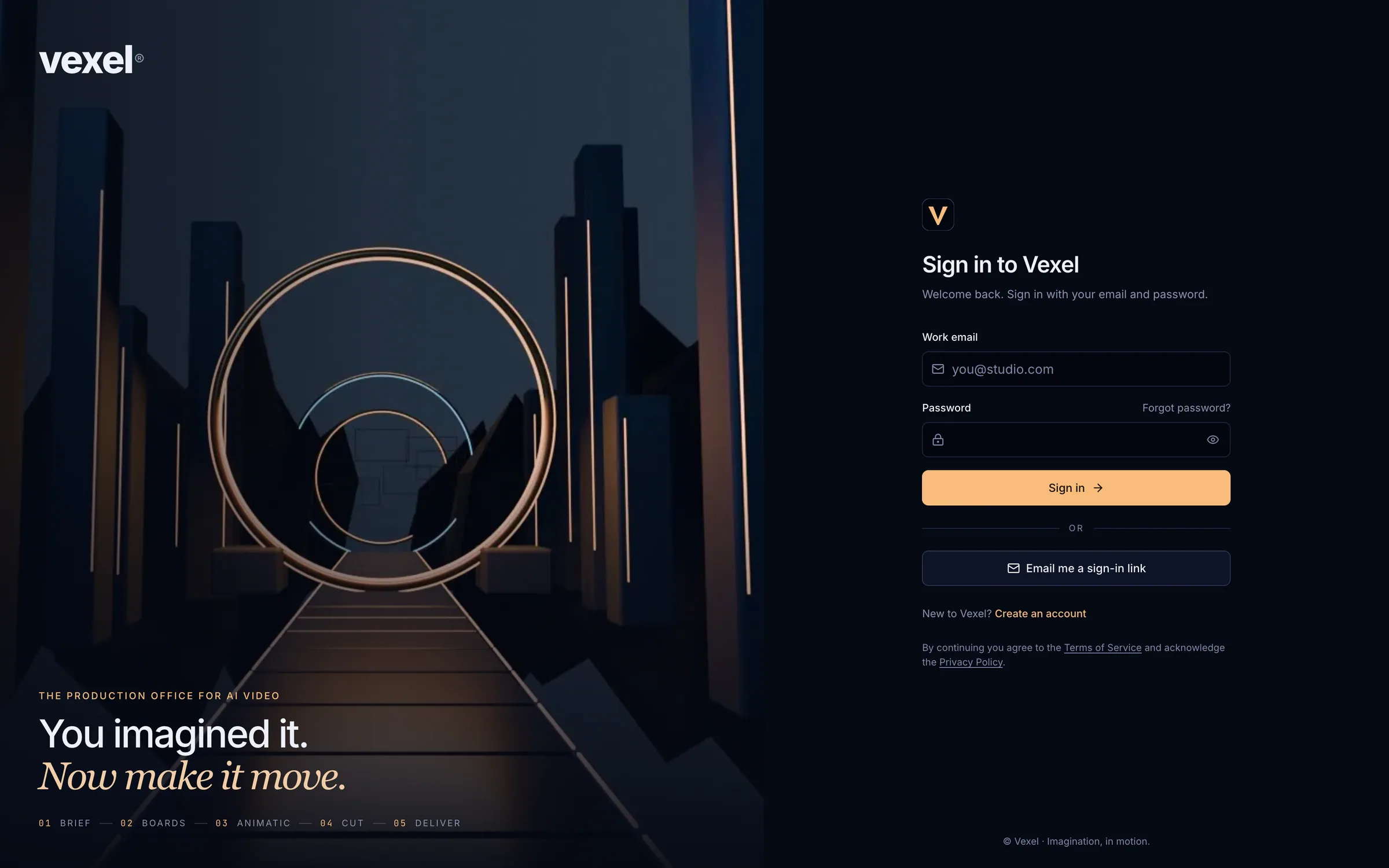
- Email and password: type both and choose Sign in. After a wrong password the email is kept and the password field is selected so you can retype it.
- Email me a sign-in link: switches to the link form. The email contains a one-time link that signs you in on that browser.
- Forgot password?: opens Reset your password. Enter your email and choose Send reset link; the link (single use, valid for an hour) opens Choose a new password.
- After signing in you return to the page you asked for, or to Projects.
Set or change your passwordLink to Set or change your password
Open Settings
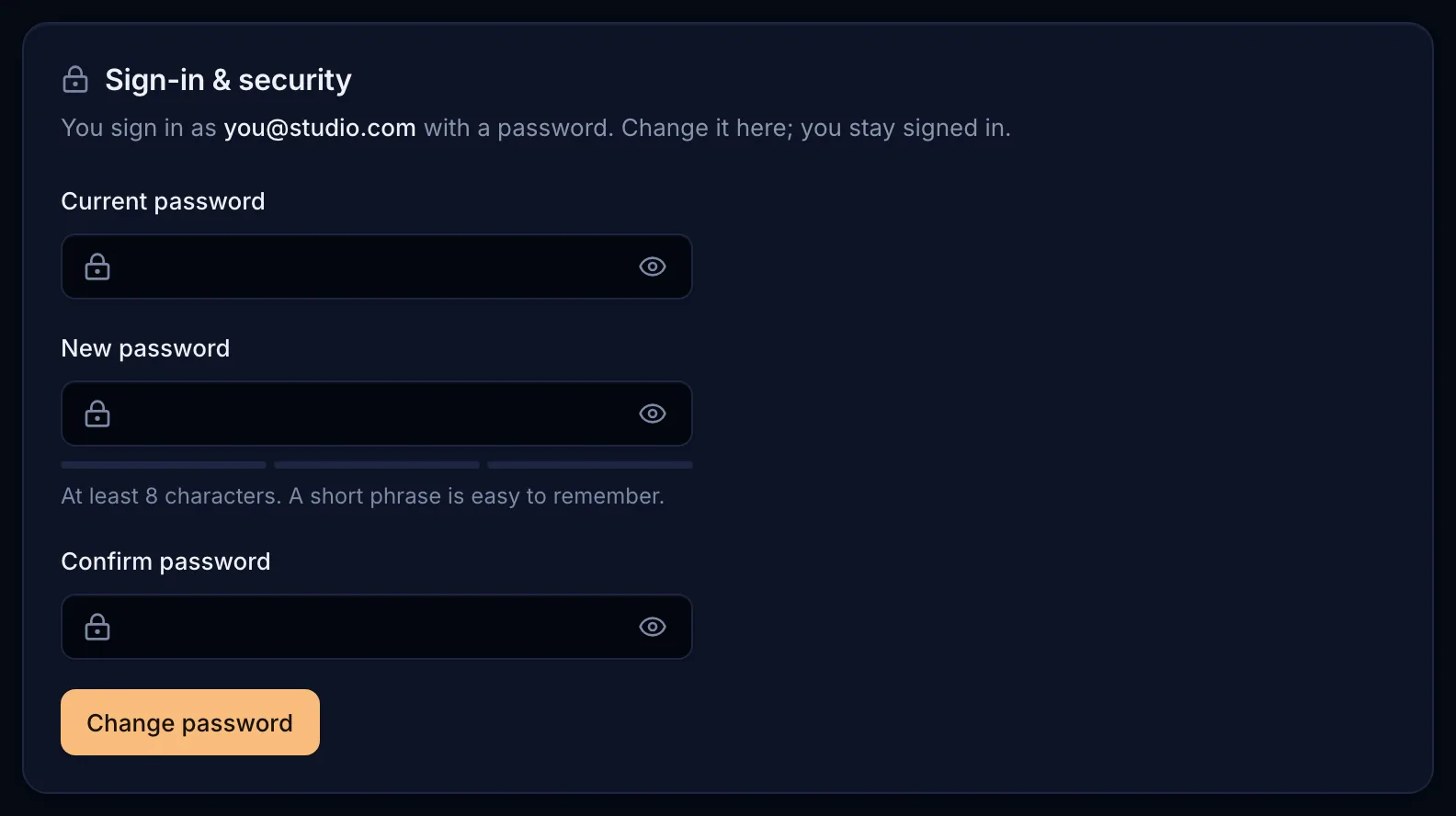
Choose Settings in the left sidebar. The Sign-in & security card is on the General page.
Fill in the form
If you already have a password, enter the Current password first. Then type the New password twice. It must be at least 8 characters; the meter under it rewards length (12 or 16+) and a mix of character types.
Save
Choose Set password or Change password. You stay signed in on this device.
Sign out and switch accountsLink to Sign out and switch accounts
Open the account menu at the bottom of the left sidebar (your avatar and email) and choose Sign out. The same menu switches the Theme between System, Light and Dark. To use another account, sign out first and sign in again with the other email.
Delete your accountLink to Delete your account
In Settings → General → Help & legal, choose Delete my account. It opens an email to privacy@vexel.video with the subject already filled in. We confirm and complete the deletion within 30 days; backups roll over within a further 30 days. Billing records are kept as long as the law requires.