Make a film · Chapter 8
Script
The Script tab holds the film on paper: an optional one-page concept and the timed screenplay the storyboard is built from. Writing and editing here is free; only the Claude writer is metered.
The Script tabLink to The Script tab
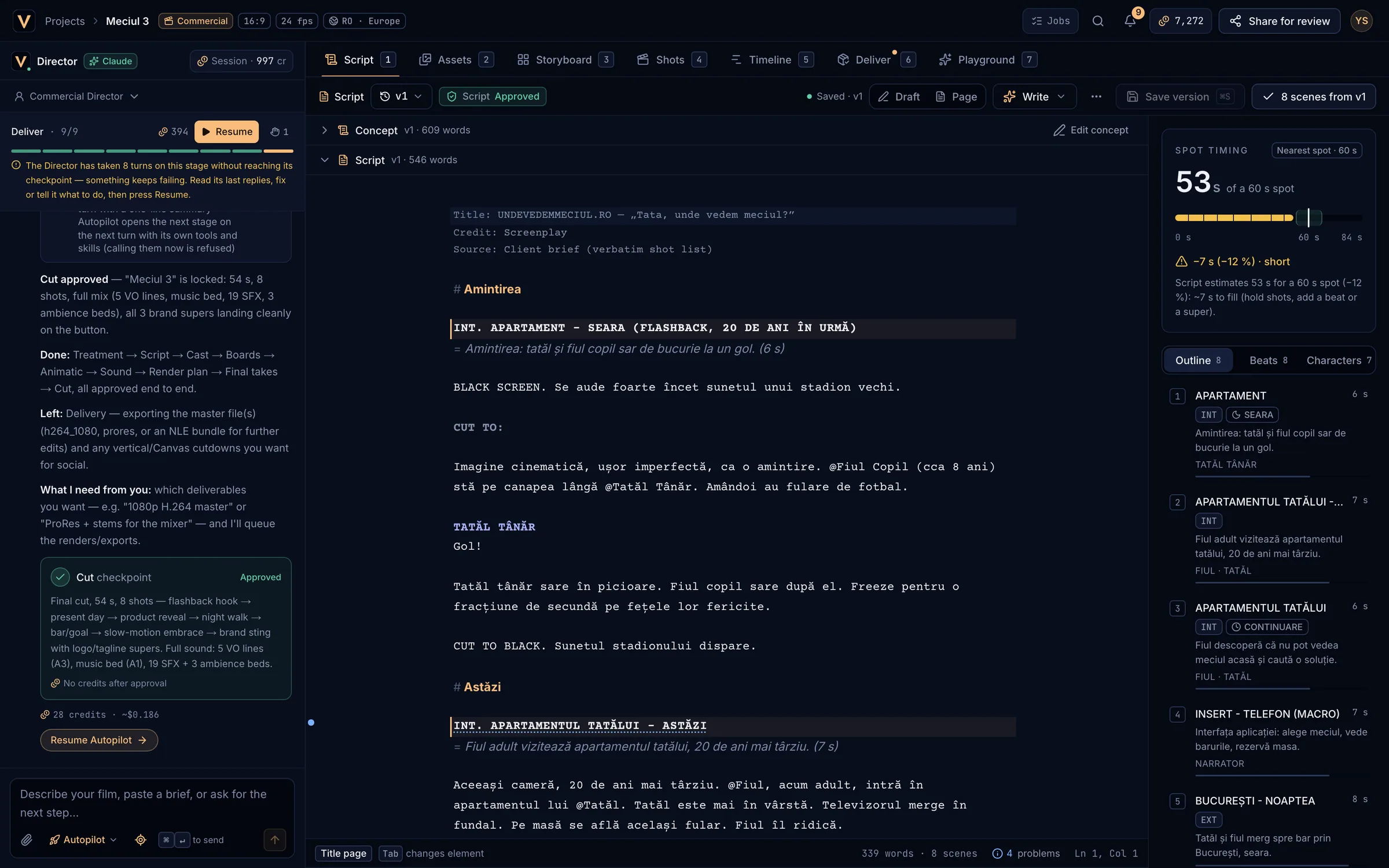
- Version picker and the Script checkpoint state.
- Save status, Draft / Page view and the Write menu.
- Save version and N scenes from vN.
- The Concept fold (optional).
- The screenplay editor.
- Spot timing against the target length.
- Outline, Beats and Characters.
Start a scriptLink to Start a script
An empty Script tab offers four ways in: Brief the Director (the most common: describe the film in the chat), Write it from a brief (the Claude writer), Write it yourself, or Import Fountain. Starters chosen when creating the project open here as version 1.
Concept and screenplayLink to Concept and screenplay
- Concept is the idea on one page, before the script. It is optional. Each concept starts with a
# headingand can carry a= loglineline. Choose Edit concept to change it and Back to the script to return. - Script is the screenplay in Fountain, the plain-text screenplay format: scene headings (
INT. KITCHEN - NIGHT), action, character cues, dialogue, V.O., lyrics and transitions. - One Script checkpoint covers both. While the Director proposes it, Request changes and Approve & continue appear in the toolbar.
VersionsLink to Versions
- Press
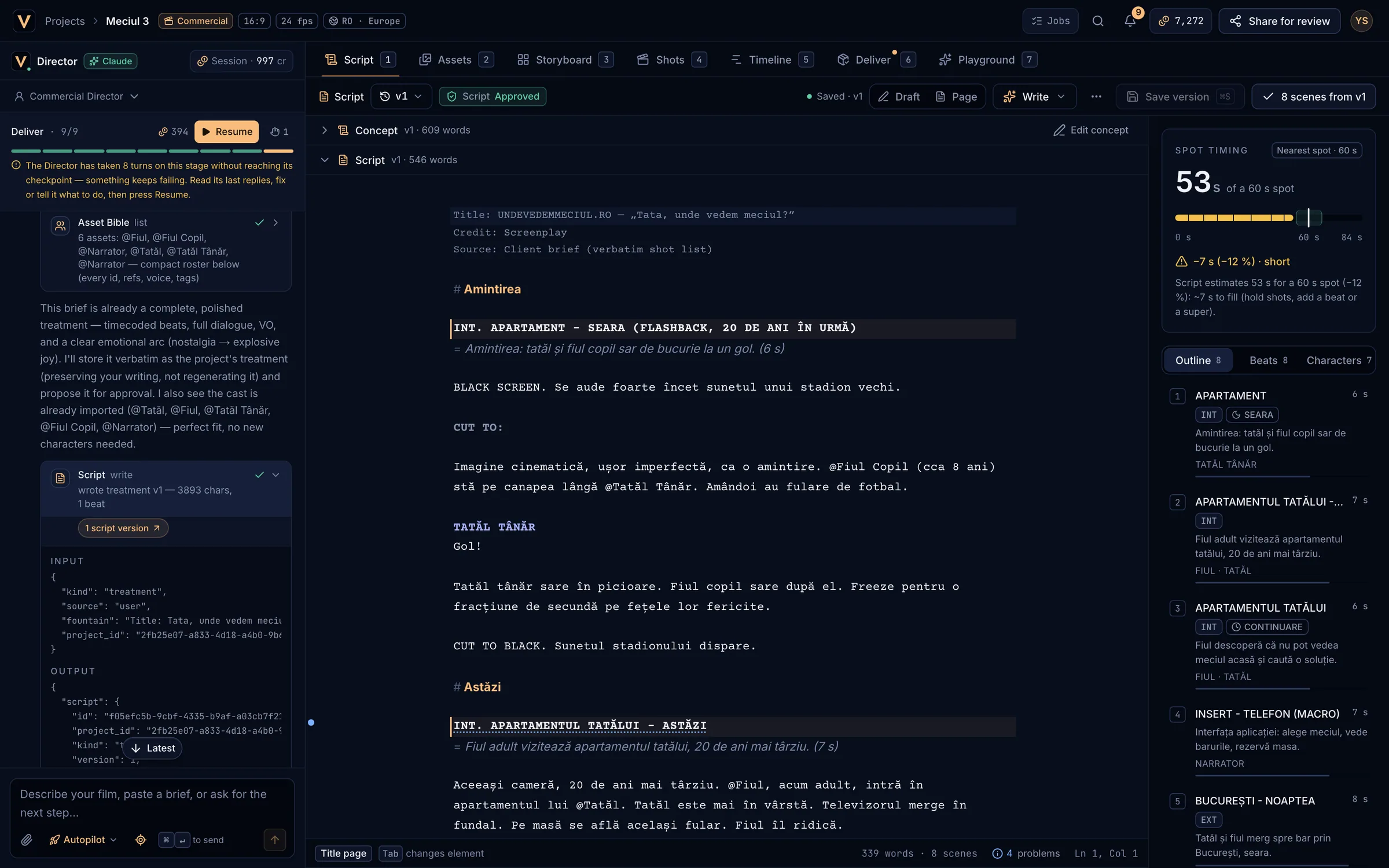
⌘S(or Save version) to save a new version. Unsaved edits show an amber dot and Unsaved changes. - Open the version picker (v3 ▾) to see the history. Opening an older version is read-only: Back to latest returns, Restore this version copies it into a new version. Nothing is ever overwritten.
- Unsaved edits are kept in this browser. If you come back later you see Restored your unsaved draft with Discard draft. Drafts do not follow you to other devices; save a version to keep them.
- If the Director saves a version while you are editing, your edits are kept and saving puts them on top.
Write with ClaudeLink to Write with Claude
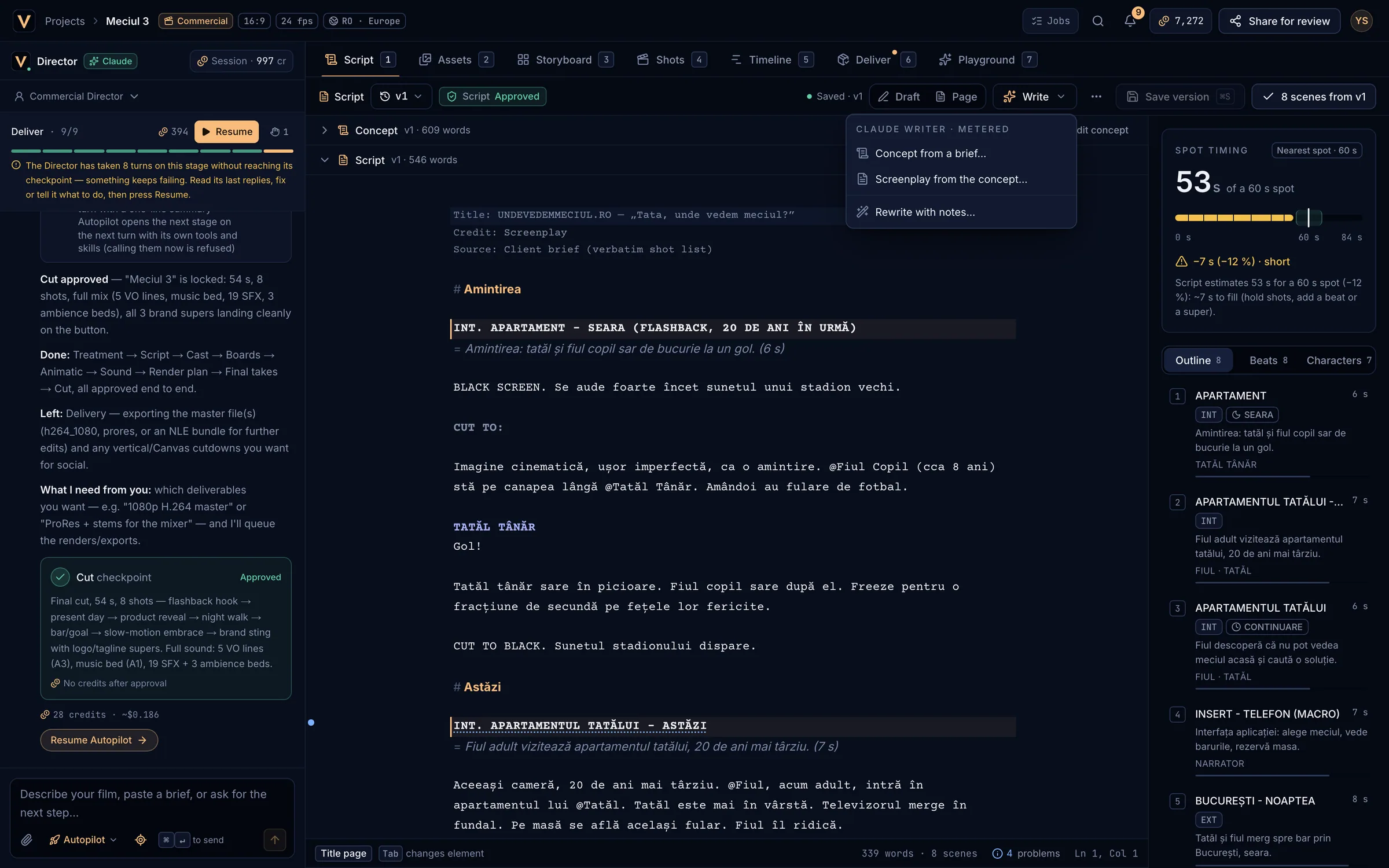
| Option | What you give it | What you get |
|---|---|---|
| Concept from a brief… | What it is for, audience, tone, must-haves, things to avoid, runtime (15, 30 or 60 s or the project target), how many concepts (1–3), language. | One to three concepts timed beat by beat, saved as a new concept version. |
| Screenplay from the concept… | Which concept, runtime, language and direction for this draft. | A timed screenplay with scene headings, VO within the word budget and supers. |
| Rewrite with notes… | Your notes for the open version. | The same script with only your notes applied, as a new version. |
Each dialog shows the price before it runs: ≈ N credits (max M) · charged at cost, never above the max. Writing takes up to a minute. For music videos the runtime is the song’s length.
TimingLink to Timing
The Spot timing card estimates the runtime from the text and compares it with the target (or the nearest 15, 30 or 60 s spot). Within ±10 % is green; outside it the card says what to do, such as “cut ~4 s of copy or action” or “~7 s to fill (hold shots, add a beat or a super)”.
- Action reads at about 3.5 words per second, dialogue at 2.5; V.O. and lyrics play over the picture; each scene is at least 2 s.
- More than 3 spoken words per second in a scene raises a warning: trim the copy.
- Music videos show Runtime instead: the song sets the length.
Outline, beats and charactersLink to Outline, beats and characters
- Outline: one row per scene with INT/EXT, time of day, synopsis, characters and estimated seconds. Click a row to jump to it.
- Beats: built from
# ACTsections and= synopsislines. - Characters: everyone with dialogue, their lines and word counts, and V.O. badges.
Break into scenesLink to Break into scenes
Break into scenes turns the scene headings of the open version into rows for the Storyboard (it saves first if needed). Afterwards the button reads N scenes from vN; run it again to refresh them. The toast links to Generate shots from these scenes →. It is free and needs at least one scene heading.
The editorLink to The editor
- Draft view colour-codes each Fountain element; Page view shows screenplay margins.
- The status bar shows the current element, words and scenes, problems, and the cursor position. Click problems for the list; for example a heading without “- DAY” or “- NIGHT” gets a hint so boards are lit right.
- Import Fountain accepts .fountain, .spmd, .txt and .md files up to 2 MB, or pasted text, as a concept or a script. Export .fountain downloads the open document.
| ⌘S | Save a new version |
| Tab | Change the line’s element (Action → Heading → Character → Transition → Lyric) |
| ⇧Tab | Previous element |
| ↵ | New paragraph, or dialogue after a character cue |
| ⇧↵ | Line break inside dialogue |
| CtrlSpace | Suggest headings, places and characters |
| ⌘F | Find and replace |
| ? | Show the writing shortcuts |